Google Antigravity CLI vs Gemini CLI: What Developers Need to Migrate Before June 18, 2026
June 15, 2026 · 24 min read · Gemini
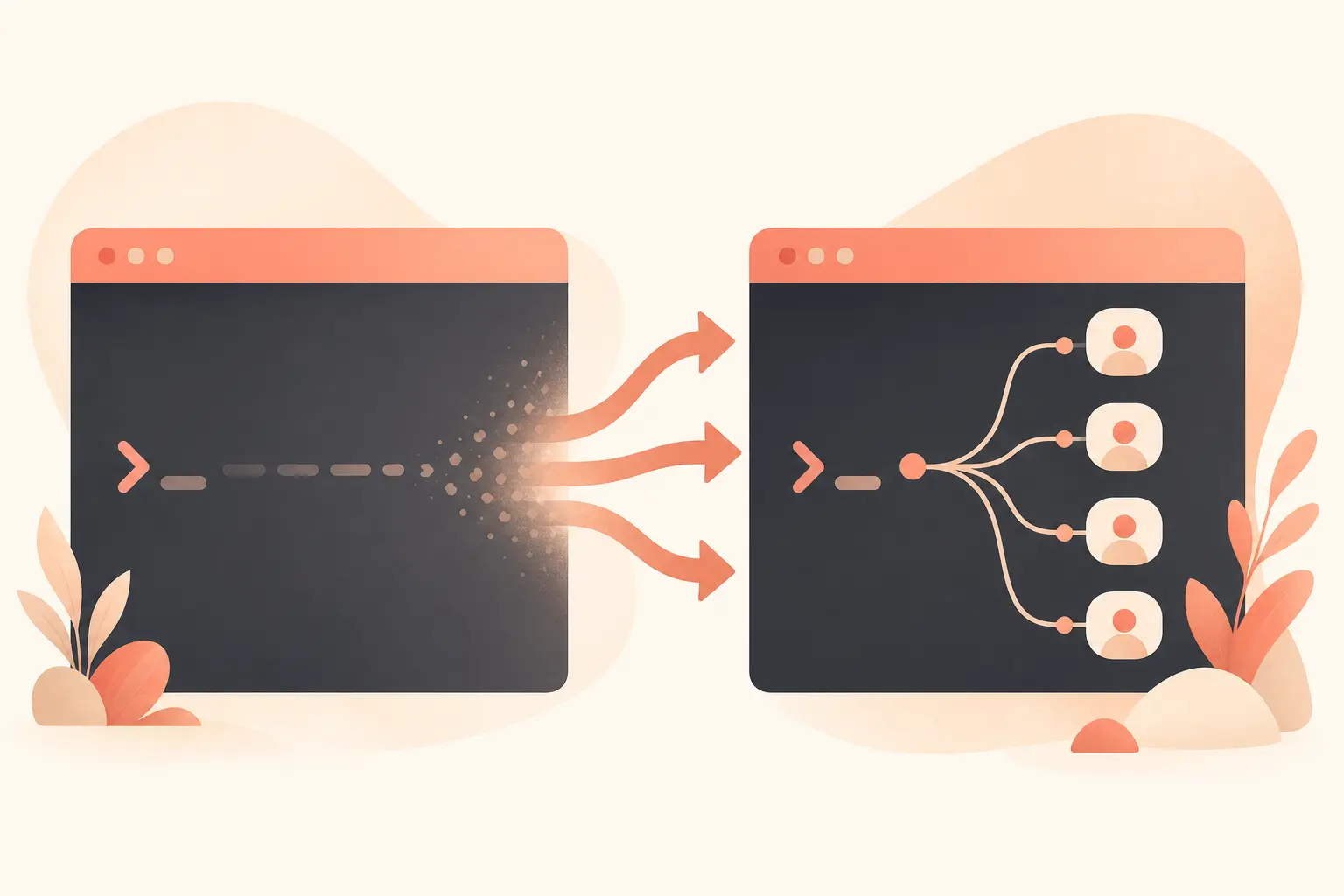
On June 18, 2026, Gemini CLI will stop serving consumer-tier requests. That is not a vague sunset window. It is three days from today, June 15. Google’s May 19 announcement says Gemini CLI and Gemini Code Assist IDE extensions will stop serving requests for Google AI Pro, Google AI Ultra, and free Gemini Code Assist for individuals on that date (Google Developers Blog).
For developers who use gemini as a terminal agent, this is a real workflow change, not just a package rename. Antigravity CLI is Google’s new terminal surface for its Antigravity platform. Gemini CLI remains relevant for paid enterprise and Google Cloud customers, but the consumer path is moving.

What Google Actually Changed
Google’s framing is simple: Gemini CLI proved that the terminal can be a good interface for agentic coding, but the company now wants one backend for multi-agent work. The new Antigravity CLI shares the same agent harness as Antigravity 2.0, Google’s desktop agent-first development platform (Google Developers Blog).
The numbers behind Gemini CLI are not small. Google cited “millions of users,” over 100,000 GitHub stars, 6,000 merged pull requests, and hundreds of contributors. The public GitHub repo currently shows about 105k stars, Apache-2.0 licensing, TypeScript-heavy code, and a latest release of v0.46.0 on June 10, 2026 (GitHub).
That is why this migration feels sharper than a normal product update. Gemini CLI was an open-source, terminal-first tool with direct install paths like:
npx @google/gemini-cli
npm install -g @google/gemini-cli
brew install gemini-cli
Antigravity CLI is positioned differently. Google says it is built in Go, supports asynchronous workflows, and can orchestrate multiple agents in the background. Google also says there will not be 1:1 feature parity at launch, although important Gemini CLI concepts carry over: Agent Skills, Hooks, Subagents, and Extensions, with Extensions becoming Antigravity plugins (Google Developers Blog).
That “not 1:1” line is the part teams should not hand-wave.
Who Is Affected
The break point is based on account and licensing, not whether you love the terminal.
| User or team | What happens after June 18, 2026 |
|---|---|
| Free Gemini Code Assist for individuals | Gemini CLI and Code Assist IDE extension requests stop |
| Google AI Pro users | Gemini CLI and Code Assist IDE extension requests stop |
| Google AI Ultra users | Gemini CLI and Code Assist IDE extension requests stop |
| Gemini Code Assist for GitHub consumer installs | No new GitHub organization installs on June 18; requests stop in following weeks |
| Gemini Code Assist Standard or Enterprise customers | Access remains unchanged |
| Gemini Code Assist for GitHub through Google Cloud | Access remains unchanged |
Google Cloud’s own Code Assist documentation repeats the same warning: migrate to Antigravity and Antigravity CLI before June 18 to avoid workflow disruption (Google Cloud docs).
Enterprise customers get a different deal. Google says organizations using Gemini CLI or IDE extensions through Gemini Code Assist Standard or Enterprise keep access, including latest Gemini models and updates. Gemini CLI will also remain accessible through paid Gemini and Gemini Enterprise Agent Platform API keys (Google Developers Blog).
So the practical rule is this: if your CLI auth is tied to a personal Google account, Google AI Pro, Google AI Ultra, or free Code Assist for individuals, migrate now. If it is tied to a Cloud-managed Standard or Enterprise license, you have more time, but you should still test Antigravity CLI because Google’s product energy is clearly going there.
What Changes In Terminal Workflows
Gemini CLI’s appeal was its narrowness. Open a repo, type gemini, ask it to inspect code, run tests, write a script, or explain a failing stack trace. The README lists built-in tools for file operations, shell commands, web fetching, Google Search grounding, MCP support, checkpointing, custom GEMINI.md context files, and non-interactive scripting through -p plus JSON output modes (GitHub).
That last category matters in real teams. A lot of developers use Gemini CLI in small automations:
gemini -p "Explain the architecture of this codebase" --output-format json
gemini -p "Run tests and summarize failures" --output-format stream-json
Antigravity CLI should be evaluated against those concrete uses, not against a launch blog. Google’s Antigravity CLI docs list a curl-based installer, curl -fsSL https://antigravity.google/cli/install.sh | bash, and document CLI usage, slash commands, settings, and keybindings (Antigravity CLI docs, CLI reference). But the migration question is not “can I install it?” It is “can I preserve the scripts, prompts, safety controls, MCP servers, and review habits my team already relies on?”
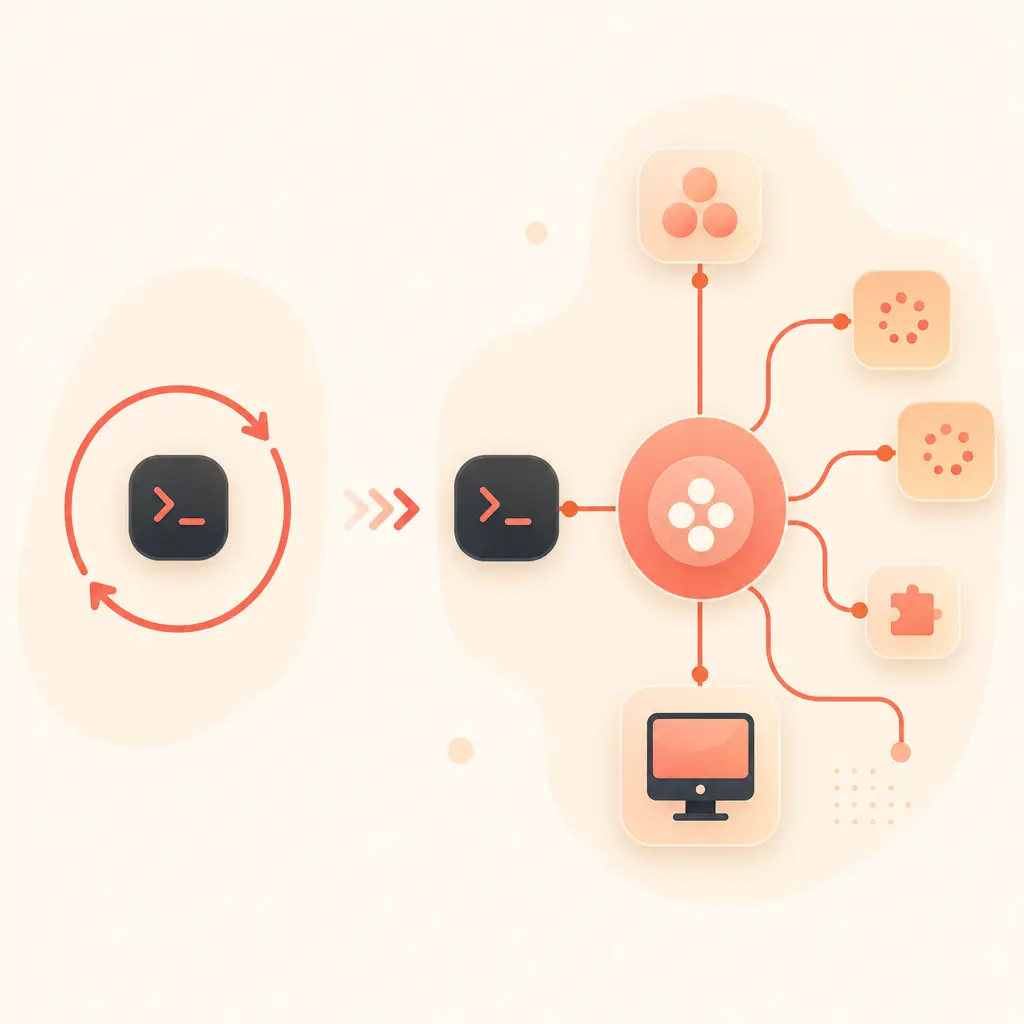
The biggest workflow change is likely async execution. In Gemini CLI, the terminal session is the main unit of work. In Antigravity CLI, Google is pushing toward background multi-agent jobs that share a server-side harness with the desktop app. That can be better for large refactors, multi-repo investigation, and research-heavy tasks. It can also be worse if your current workflow depends on a transparent local tool, predictable logs, or easy inspection of every command before execution.
Pricing And Access Planning
Google also changed the consumer subscription ladder around the same I/O window. Google AI Pro is listed at $19.99 / month, while Google AI Ultra now starts at $99.99 / month, with $99.99 / month giving 5x higher usage limits versus AI Pro and $199.99 / month giving 20x higher limits versus AI Pro (Gemini subscriptions). Google’s subscription blog says the new $100/month Ultra plan includes priority access to Google Antigravity and that the former top-tier Ultra price was reduced from $250 to $200 (Google blog).
For companies, Gemini Code Assist Standard and Enterprise are priced through Google Cloud. The pricing page lists Standard at $0.031232877 / 1 hour with a monthly commitment, or $0.026027397 / 1 hour with a 12-month commitment. Enterprise is listed at $0.073972603 / 1 hour monthly, or $0.061643836 / 1 hour with a 12-month commitment (Google Cloud pricing).
Do not compare those numbers as if they buy identical behavior. Consumer Antigravity access, Gemini Code Assist licenses, API-key usage, and enterprise Google Cloud licensing are different paths. If your team has CI jobs, GitHub review automation, or cloud project billing tied to Gemini CLI, test the exact account and billing route before June 18.
Migration Checklist For The Next Three Days
Start with inventory, not installation. Search your repos and dotfiles for gemini, @google/gemini-cli, GEMINI_API_KEY, GOOGLE_CLOUD_PROJECT, GOOGLE_GENAI_USE_VERTEXAI, GEMINI.md, and GitHub Actions using Gemini CLI. The risky migrations are the ones nobody remembers: release-note generation, PR triage, flaky-test summaries, infra explanations, or nightly codebase reports.
Then split usage into three buckets:
- Interactive terminal sessions. Install Antigravity CLI, sign in with the account you expect to use after June 18, and replay your top five prompts from the past week.
- Automation. Check whether Antigravity CLI supports the same non-interactive behavior, output format, exit codes, and logging shape your scripts expect.
- Governance. Recreate approval rules, workspace boundaries, hooks, MCP servers, plugin equivalents, and secrets handling before letting agents run against production repos.
For IDE users, the migration is just as urgent. Google Cloud docs describe Gemini Code Assist features like /generate, /fix, /doc, /simplify, inline completions, local codebase awareness, code transformation, and agent mode inside VS Code and JetBrains IDEs (Google Cloud docs). If you rely on the consumer extension path, verify whether the equivalent workflow is now in Antigravity desktop, Antigravity CLI, or a paid Code Assist business license.
Also document what does not move cleanly. If a Gemini CLI extension has no Antigravity plugin equivalent yet, write down the missing behavior and decide whether to wait, replace it with MCP, or keep it on an enterprise Gemini CLI path. Google explicitly asked for feedback in the Antigravity CLI community forum, which is another sign that the launch state is not meant to be feature-complete (Google Developers Blog).
The Practical Take
Antigravity CLI is not just “Gemini CLI, but newer.” It is Google moving terminal-based coding agents into a broader, multi-agent platform. That direction makes sense for long-running refactors and coordinated background work. It also raises the switching cost for developers who liked Gemini CLI because it was open, direct, scriptable, and easy to reason about.
If you are on a consumer tier, treat June 18 as a hard operational date. Install Antigravity CLI, replay real tasks, audit automations, and make a call on account type. If you are on Standard or Enterprise, you are not being cut off this week, but the center of gravity has moved. Plan accordingly.
Readers who want to try these models hands-on can call them via onehop with an OpenAI-compatible API: change one base_url, use cheaper-than-first-party access, and test without a card. Start here to call Claude and other models on onehop, or sign up for $10 free credit.
Related reading
Claude Code Loop Engineering: How to Build an Agent That Actually Finishes
A practical breakdown of Claude Code loop engineering: goals, hooks, subagents, context, verification, and the limits of autonomous coding agents.
June 20, 2026 · 8 min read

OpenAI Agents SDK Native Sandbox and Manifest Guide
How OpenAI’s Agents SDK sandbox and Manifest let developers build safer file-working agents without custom orchestration.
June 16, 2026 · 25 min read
Call Qwen3.7 Plus with the OpenAI SDK via DashScope Compatible Mode
Port OpenAI SDK apps to Qwen3.7 Plus with base_url changes, thinking controls, long-context pricing, and runnable code.
July 23, 2026 · 25 min read