Calling Gemini with the OpenAI SDK: Integration Guide by Changing Only base_url, API Key, and Model Name
June 14, 2026 · 11 min read · GPT / Gemini / Claude
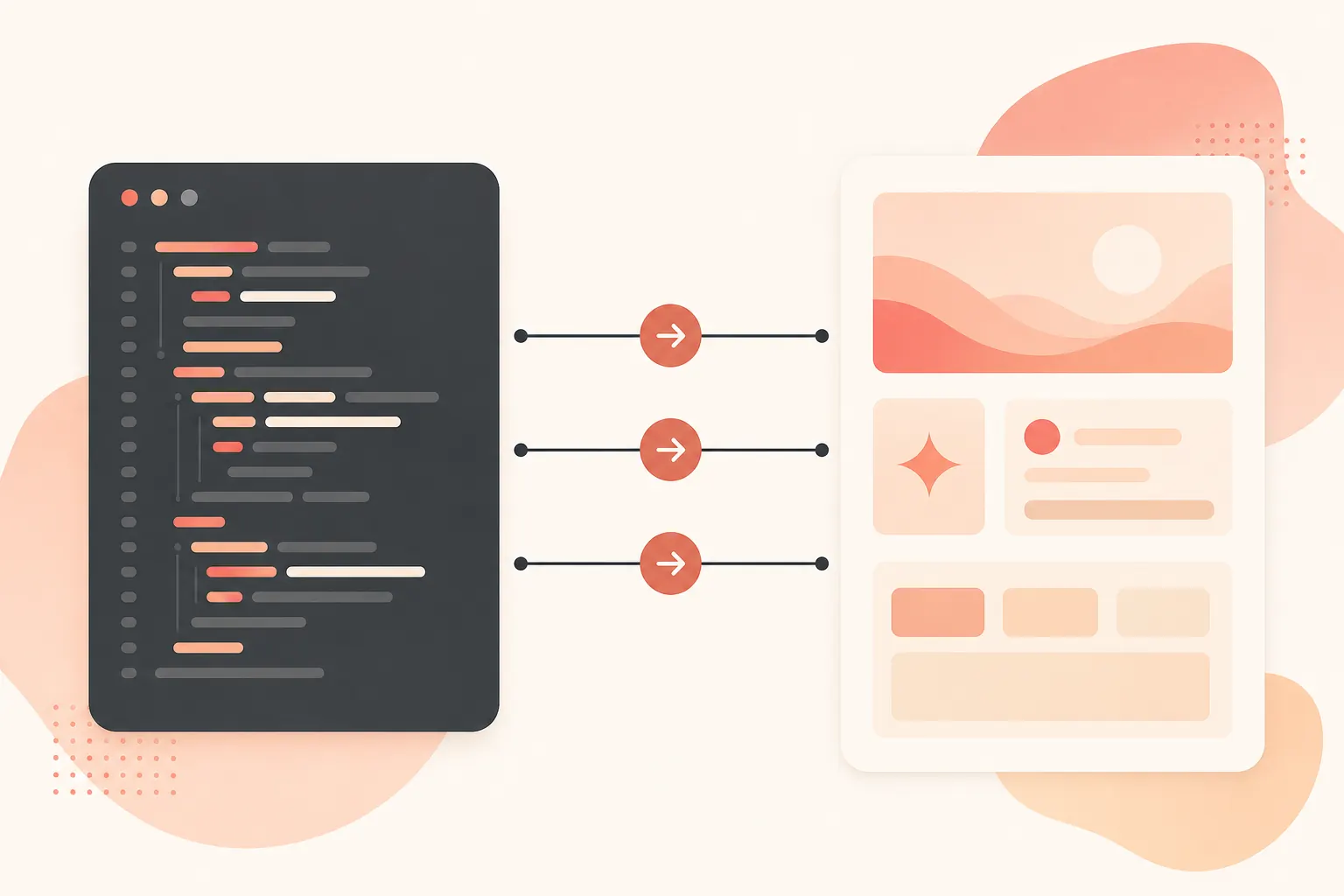
Google puts it plainly: Gemini models can be accessed through OpenAI’s Python and TypeScript/JavaScript SDKs, and the core change is just three lines of code. The endpoint given in the official compatibility docs is https://generativelanguage.googleapis.com/v1beta/openai/, and the sample model is gemini-3.5-flash (Google OpenAI compatibility). This is very friendly to existing OpenAI SDK projects: you do not need to dismantle your provider abstraction first, nor replace the entire calling stack. Get it running first.
First, confirm which model you want to call
As of 2026-06-14, Google’s model page lists Gemini 3.5 Flash as Stable and states that the model code is gemini-3.5-flash; this model has an input limit of 1,048,576 tokens and an output limit of 65,536 tokens. It supports text, image, video, audio, and PDF inputs, and outputs text (Gemini 3.5 Flash). The model page was last updated on 2026-05-19 UTC.
You should also check the pricing docs for the day. Google’s pricing page was last updated on 2026-06-09 UTC. The gemini-3.5-flash Standard paid tier is priced at $1.50 / 1M tokens for input and $9.00 / 1M tokens for output, with the output price including thinking tokens; Batch is $0.75 for input and $4.50 for output (Gemini API pricing).
| Model | Status | Input limit | Standard input | Standard output |
|---|---|---|---|---|
gemini-3.5-flash |
Stable | 1,048,576 | $1.50 / 1M tokens | $9.00 / 1M tokens |
gemini-3-flash-preview |
Preview | See model page | $0.50 / 1M tokens | $3.00 / 1M tokens |
gemini-3.1-flash-lite |
Stable | See model page | $0.25 / 1M tokens | $1.50 / 1M tokens |
gemini-3-flash-preview and gemini-3.1-flash-lite come from Google’s current model and pricing pages (Models, Pricing). Do not use Preview models directly as production defaults; versions and limits may change.
Python: Point the OpenAI client to Gemini
First, install the SDK:
pip install openai
export GEMINI_API_KEY="你的 Gemini API Key"
Then keep the OpenAI SDK calling style:
import os
from openai import OpenAI

client = OpenAI(
    api_key=os.environ["GEMINI_API_KEY"],
    base_url="https://generativelanguage.googleapis.com/v1beta/openai/",
)

resp = client.chat.completions.create(
    model="gemini-3.5-flash",
    messages=[
        {"role": "system", "content": "你是一个简洁的工程助手。"},
        {"role": "user", "content": "用三句话解释什么是 API 兼容层。"},
    ],
)

print(resp.choices[0].message.content)
There are only three real changes: replace api_key with your Gemini key, replace base_url with Google’s OpenAI-compatible endpoint, and replace model with the Gemini model name. Note that the URL in the official example ends with /; do not casually delete it and then go debugging a 404.

TypeScript: It is also baseURL
It is the same in a Node project:
npm install openai
export GEMINI_API_KEY="你的 Gemini API Key"
import OpenAI from "openai";

const openai = new OpenAI({
  apiKey: process.env.GEMINI_API_KEY,
  baseURL: "https://generativelanguage.googleapis.com/v1beta/openai/",
});

const response = await openai.chat.completions.create({
  model: "gemini-3.5-flash",
  messages: [
    { role: "user", content: "给我一个 JSON Schema 校验的最小例子。" },
  ],
});

console.log(response.choices[0].message.content);
If your project already wraps providers as environment variables, the change will be even smaller:
OPENAI_BASE_URL="https://generativelanguage.googleapis.com/v1beta/openai/"
OPENAI_API_KEY="$GEMINI_API_KEY"
OPENAI_MODEL="gemini-3.5-flash"
Here is where many old projects run into trouble: it is fine if the variable name is still OPENAI_API_KEY; the value can be a Gemini key. What really determines where the request goes is base_url/baseURL.
What about streaming, tool calls, and thinking?
Google’s compatibility docs provide examples for streaming, function calling, structured outputs, image understanding, and more (OpenAI compatibility). Existing OpenAI SDK projects usually verify three things first: ordinary chat, stream=True, and tools/function calling. Once those all pass, then handle model-specific capabilities.
Be cautious with thinking parameters. The compatibility docs state that OpenAI’s reasoning_effort maps to Gemini’s thinking configuration; however, Gemini 3 and some 2.5 models cannot completely turn off thinking. My advice is simple: do not tune thinking in the first version. Establish a quality and cost baseline with the defaults first, then separately stress test it in long-running tasks, coding agents, and complex reasoning pipelines.
If you want to manage fewer sets of keys
Official direct connection is suitable for serious production: billing, quotas, and data policies are all clear. The problem is that teams often use more than just Gemini; they may also need Claude, GPT, and even different keys for different tools. The low-friction path is to use onehop: change the OpenAI SDK’s base URL to https://api.onehop.ai/v1, and use the same OpenAI/Anthropic-compatible entry point to call Claude/GPT/Gemini. New accounts receive $10, no card required, which is suitable for running demos and internal tools first.
import os
from openai import OpenAI

client = OpenAI(
    api_key=os.environ["ONEHOP_API_KEY"],
    base_url="https://api.onehop.ai/v1",
)

resp = client.chat.completions.create(
    model=os.environ["ONEHOP_MODEL"],
    messages=[{"role": "user", "content": "把这段日志总结成 5 条排障线索。"}],
)

print(resp.choices[0].message.content)
Here I intentionally put model into an environment variable: the gateway’s model names should follow the console, so do not hard-code them in your code. If you want to spend less time wrestling with multi-vendor billing and compatibility layers, you can try it directly: call Claude and other models on onehop, or claim the credit first: sign up to receive $10 in trial credit.
Final checks before integration
Before going live, do not only check whether text can be returned. Do at least four checks: first, confirm that the model is still available on Google’s current model page; second, verify input, output, Batch, and Search grounding costs against the pricing page; third, log complete error details for 401, 429, and 5xx; fourth, make base_url, api_key, and model runtime configurations so you do not need a release just to switch models.
The focus of this integration is not “switching to another model vendor,” but decoupling the SDK layer from the model provider. First use Google’s official OpenAI compatibility to get gemini-3.5-flash running, then decide whether to use direct connection, a gateway, or both. This keeps the change small and rollback fast.
Related reading
Call Qwen3.7 Plus with the OpenAI SDK via DashScope Compatible Mode
Port OpenAI SDK apps to Qwen3.7 Plus with base_url changes, thinking controls, long-context pricing, and runnable code.
July 23, 2026 · 25 min read
Use Groq GPT-OSS 120B with the OpenAI SDK: Base URL, Pricing, and Caching
Swap one OpenAI SDK base URL to run GPT-OSS 120B on Groq, estimate cached token costs, and avoid tool billing surprises.
June 17, 2026 · 24 min read
Calling the Gemini API with the OpenAI SDK: A Migration Guide Changing Only base_url, API Key, and Model Name
A Gemini-compatible API migration checklist for existing OpenAI SDK projects, with code, parameter mapping, and pricing.
June 14, 2026 · 9 min read