Calling the Gemini API with the OpenAI SDK: A Migration Guide Changing Only base_url, API Key, and Model Name
June 14, 2026 · 9 min read · Claude / GPT / Gemini
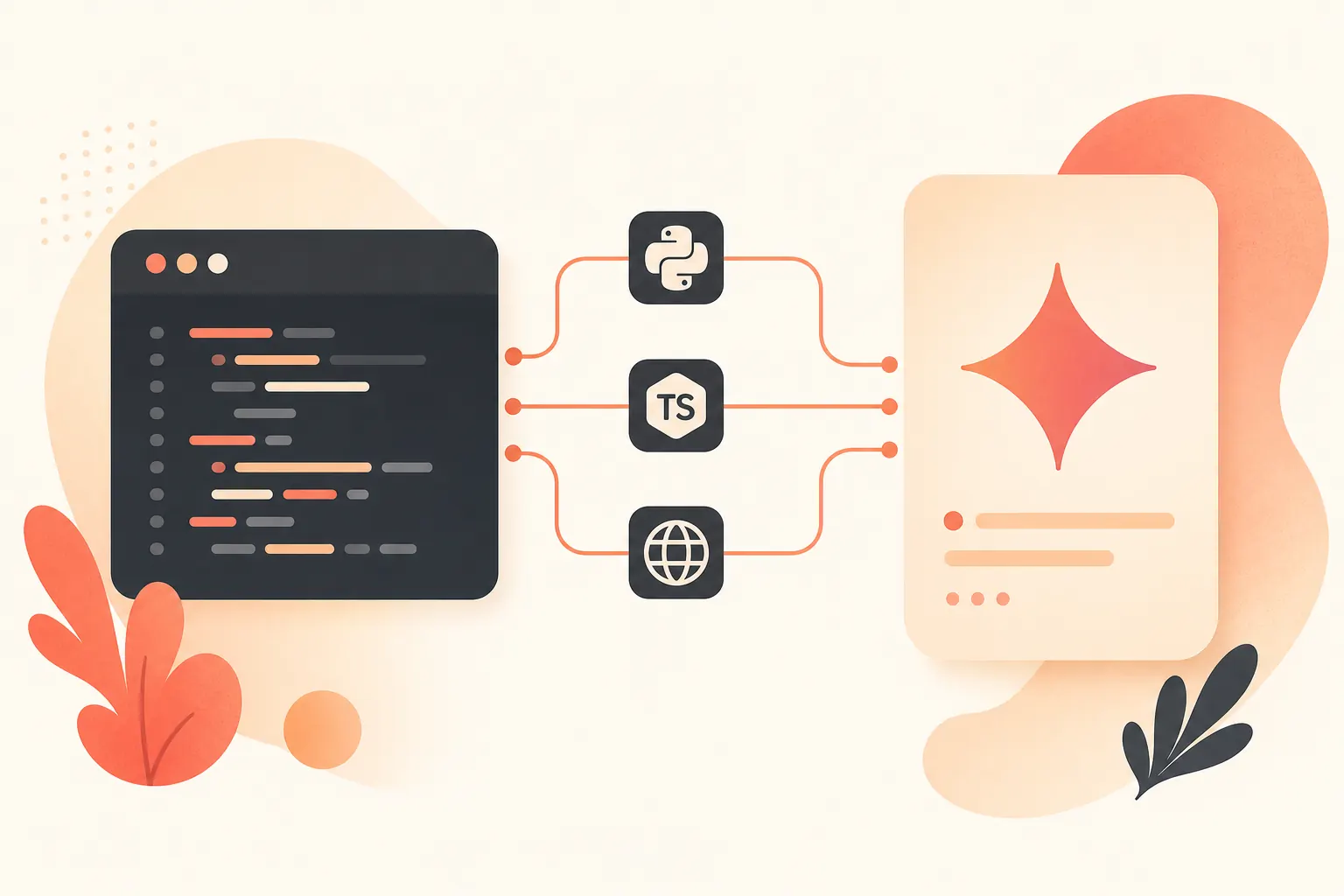
As of 2026-06-14, Google’s Gemini OpenAI compatibility documentation is very straightforward: if you already have Python or TypeScript code using the OpenAI library, you can connect it to Gemini by changing the API key, base_url, and model name. The example model in the docs is gemini-3.5-flash, and the compatibility page was last updated on 2026-05-18 (Google AI for Developers). This is not “adapter-layer magic”; it simply sends OpenAI SDK requests to the compatibility endpoint provided by Google.
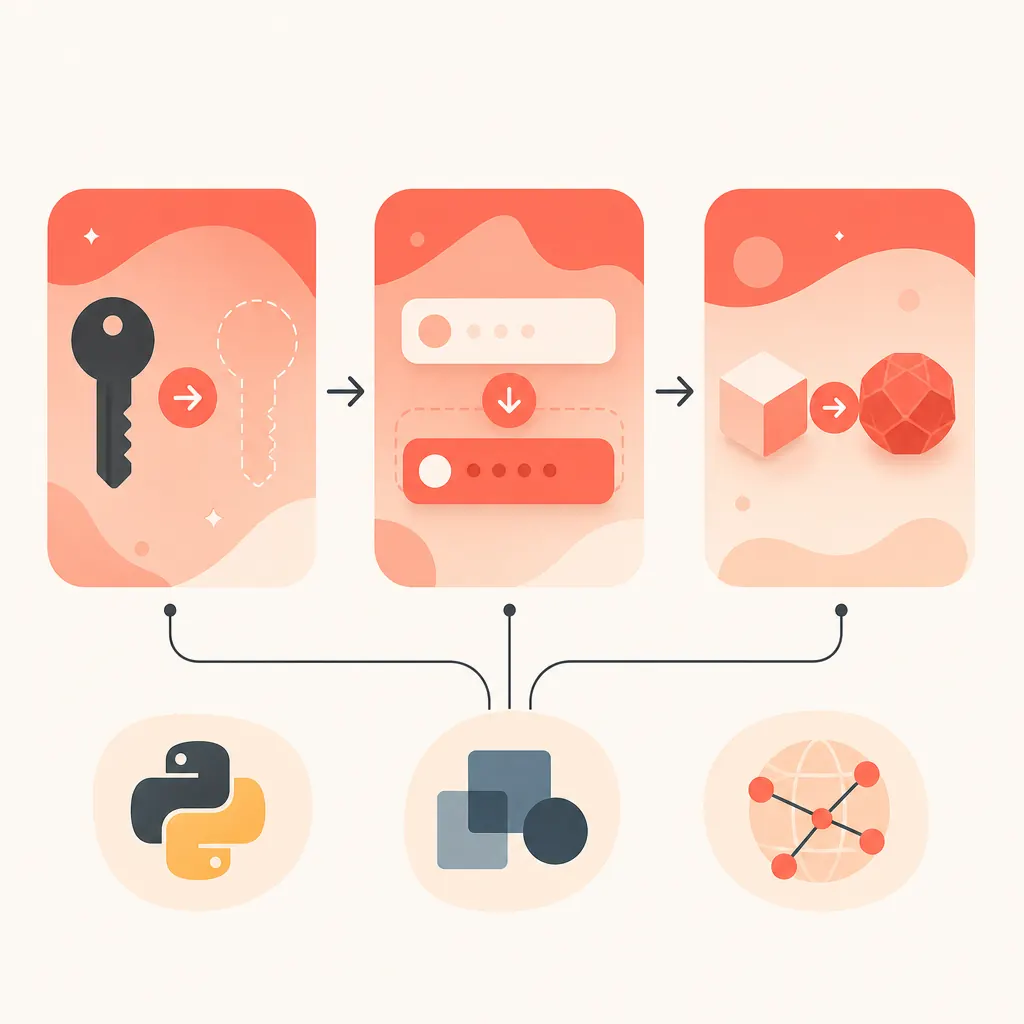
Install the SDK first; don’t change the calling pattern
If your project is already using the official OpenAI Python SDK, you can keep chat.completions.create(). The OpenAI Python SDK repository remains the official client source (openai-python), and Google’s compatibility interface accepts the same call shape.
from openai import OpenAI

client = OpenAI(
    api_key="GEMINI_API_KEY",
    base_url="https://generativelanguage.googleapis.com/v1beta/openai/",
)

resp = client.chat.completions.create(
    model="gemini-3.5-flash",
    messages=[
        {"role": "system", "content": "You are a concise code reviewer."},
        {"role": "user", "content": "Review this Python function for edge cases."},
    ],
)

print(resp.choices[0].message.content)
Create the API key in Google AI Studio (AI Studio API key). Pay attention to the trailing slash: /v1beta/openai/, not the regular native Gemini endpoint /v1beta/models/....
REST can also be called in the OpenAI shape
For server-side use, curl debugging, or gateway health checks, you don’t necessarily need an SDK. The REST path shown in Google’s compatibility documentation is /openai/chat/completions:
curl "https://generativelanguage.googleapis.com/v1beta/openai/chat/completions" \
  -H "Content-Type: application/json" \
  -H "Authorization: Bearer $GEMINI_API_KEY" \
  -d '{
    "model": "gemini-3.5-flash",
    "messages": [
      {"role": "user", "content": "Give me a 5-point migration checklist."}
    ]
  }'
Run this first during migration. It separates four types of issues—key, model name, network egress, and billing permissions—which saves time compared with debugging directly inside the business service.
How reasoning_effort is mapped
Gemini’s thinking controls overlap with OpenAI’s reasoning_effort, and Google clearly states that the two should not be sent at the same time. The compatibility layer maps OpenAI-style parameters to Gemini thinking parameters (Google OpenAI compatibility).
OpenAI reasoning_effort |
Gemini 3 thinking_level | Gemini 2.5 thinking_budget |
|---|---|---|
minimal |
minimal or low |
1024 |
low |
low |
1024 |
medium |
medium |
8192 |
high |
high |
24576 |
For a conservative migration, don’t pass reasoning_effort at first and let the model use its defaults. To control costs, add low for long-context tasks, then observe output quality and token billing.
Don’t judge pricing only by the model name
Google’s official pricing page clearly lists the standard prices for Gemini 2.5 Pro and Flash, measured per 1 million tokens, with output pricing including thinking tokens (Gemini API pricing).
| Model | Input price | Output price |
|---|---|---|
gemini-2.5-pro, prompt ≤ 200k |
$1.25 | $10.00 |
gemini-2.5-pro, prompt > 200k |
$2.50 | $15.00 |
gemini-2.5-flash, text/image/video input |
$0.30 | $2.50 |
gemini-2.5-flash, audio input |
$1.00 | $2.50 |
My recommendation: use Flash first for chat, classification, and lightweight coding tasks; switch to Pro for complex reasoning, long-document synthesis, and code refactoring. Pro’s 200k prompt threshold directly affects both input and output unit prices, so don’t dump logs, retrieval snippets, and repeated system prompts into the context all at once.
Migration checklist
- Replace
OPENAI_API_KEYwithGEMINI_API_KEY, generated from AI Studio. - Change
base_urltohttps://generativelanguage.googleapis.com/v1beta/openai/. - Change the model name to a compatible Gemini model, such as
gemini-3.5-flash. - Test with REST curl first, then connect it back to the SDK.
- Pause custom
reasoning_effortsettings, and add them back only after confirming quality. - Track input, output, and thinking-token costs, especially Pro’s 200k threshold.
If you also need Claude/GPT
If you only need Gemini, using Google’s official compatibility endpoint is the cleanest path. But once your project needs Claude, GPT, and Gemini at the same time, multiple keys, multiple billing accounts, and multiple SDKs become annoying. The easy path is onehop: it is compatible with OpenAI/Anthropic, and by changing base_url to https://api.onehop.ai/v1, you can call Claude/GPT/Gemini with the same OpenAI SDK; it highlights pricing lower than official rates, $10 for new accounts, and no card required.
from openai import OpenAI

client = OpenAI(
    api_key="ONEHOP_API_KEY",
    base_url="https://api.onehop.ai/v1",
)

resp = client.chat.completions.create(
    model="anthropic/claude-sonnet-4.5",
    messages=[{"role": "user", "content": "Refactor this API handler."}],
)
print(resp.choices[0].message.content)
If you just want to get multi-model access running now, you can try it directly: call Claude and other models on onehop, or claim the credit first: sign up to get $10 in trial credit. The key to migration is not adding a pile of abstraction layers, but narrowing the variables down to three things: endpoint, key, and model.
Related reading
Call Qwen3.7 Plus with the OpenAI SDK via DashScope Compatible Mode
Port OpenAI SDK apps to Qwen3.7 Plus with base_url changes, thinking controls, long-context pricing, and runnable code.
July 23, 2026 · 25 min read
Use Groq GPT-OSS 120B with the OpenAI SDK: Base URL, Pricing, and Caching
Swap one OpenAI SDK base URL to run GPT-OSS 120B on Groq, estimate cached token costs, and avoid tool billing surprises.
June 17, 2026 · 24 min read
Calling the Gemini API with the OpenAI SDK: An Integration Guide Requiring Only base_url, Key, and Model Name Changes
Connect existing OpenAI SDK code to Gemini with minimal changes to just three configuration fields.
June 14, 2026 · 9 min read