OpenAI Agents SDK Native Sandbox और Manifest गाइड
16 जून 2026 · 25 मिनट पढ़ें · GPT

OpenAI ने 15 अप्रैल, 2026 को महत्वपूर्ण Agents SDK अपडेट जारी किया, और लॉन्च पोस्ट में दी गई install लाइन से संकेत साफ था: pip install "openai-agents>=0.14.0" (OpenAI). वह version line मायने रखती है। यह कोई नया prompt template या एक और function-calling wrapper नहीं था। यह OpenAI द्वारा file work, shell work, patching, sandbox lifecycle, और workspace description को SDK-level primitives में ले जाने का कदम था।
coding agents, document agents, data-cleanup agents, या repo-maintenance bots बनाने वाले डेवलपर्स के लिए design shift सरल है: हर टीम से Docker, temp directories, tool schemas, file staging, और retry logic के इर्द-गिर्द वही नाजुक harness दोबारा बनवाना बंद करें। SDK अब आपको model-native harness, sandbox-native execution, filesystem tools, MCP, AGENTS.md, shell access, apply_patch, और portable workspaces का वर्णन करने के लिए Manifest abstraction देता है।
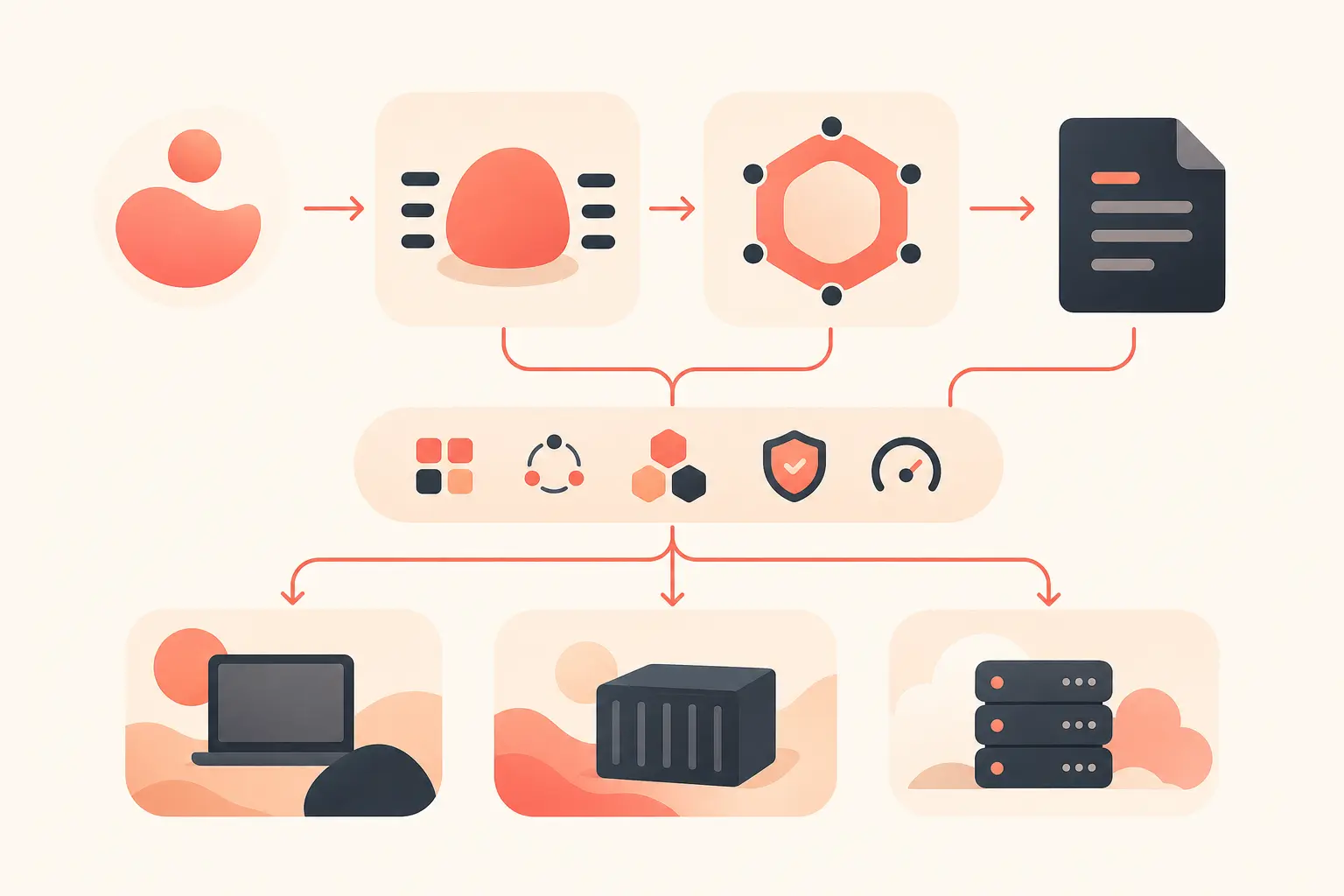
बदलाव: tool calls से वास्तविक workspace तक
मूल Agents SDK orchestration के लिए पहले से ही उपयोगी था: agents, tools, handoffs, guardrails, tracing। अप्रैल अपडेट उन agents के लिए missing runtime shape जोड़ता है जिन्हें समय के साथ files पर काम करना होता है।
OpenAI updated SDK को ऐसे agents बनाने में मददगार बताता है जो controlled sandbox environments के भीतर files inspect कर सकते हैं, commands चला सकते हैं, code edit कर सकते हैं, और long-horizon tasks पर काम कर सकते हैं (OpenAI). “controlled workspace” वाक्यांश ही कुंजी है। एक गंभीर file-working agent को tools की सूची से ज्यादा चाहिए। उसे root directory, mounted inputs, output locations, shell, permissions, snapshots, और container बंद हो जाने पर resume करने का तरीका चाहिए।
इस अपडेट से पहले, एक आम production setup ऐसा दिखता था:
- temp workspace बनाना
- उसमें files copy करना
- read, write, shell, और patch tools expose करना
- paths को manually validate करना
- sandbox या container शुरू करना
- artifacts collect करना
- job लंबा चले तो state snapshot करना
- इन सबको model-facing instructions में translate करना
यही glue code कई agent projects को चुपचाप गड़बड़ बना देता है। नया SDK इसके बड़े हिस्से को first-class configuration में बदल देता है।
OpenAI की launch post ने sandbox providers के रूप में Blaxel, Cloudflare, Daytona, E2B, Modal, Runloop, और Vercel के लिए built-in support सूचीबद्ध किया, साथ में “bring your own sandbox” path भी (OpenAI). यानी लॉन्च पर सात hosted providers, plus local development paths।
Manifest portability layer है
Manifest abstraction इस release का सबसे practical हिस्सा है। यह बताता है कि model के काम शुरू करने से पहले sandbox workspace में क्या होना चाहिए।
Python docs में, Sandbox Agents को beta चिह्नित किया गया है, Python 3.10 या उससे ऊपर की जरूरत है, और इन्हें model को persistent workspace देने का तरीका बताया गया है, जहां वह document sets search कर सके, files edit कर सके, commands चला सके, artifacts generate कर सके, और saved sandbox state से resume कर सके (OpenAI Agents SDK Python docs).
एक compact Python shape ऐसा दिखता है:
from agents import Runner
from agents.run import RunConfig
from agents.sandbox import Manifest, SandboxAgent, SandboxRunConfig
from agents.sandbox.entries import LocalDir
from agents.sandbox.sandboxes.unix_local import UnixLocalSandboxClient

agent = SandboxAgent(
    name="Repo maintainer",
    model="gpt-5.5",
    instructions="Read repo/task.md, edit with apply_patch, then run the targeted test.",
    default_manifest=Manifest(entries={"repo": LocalDir(src="./repo")}),
)

result = await Runner.run(
    agent,
    "Fix the failing test and summarize the change.",
    run_config=RunConfig(
        sandbox=SandboxRunConfig(client=UnixLocalSandboxClient())
    ),
)
महत्वपूर्ण बात syntax नहीं है। यह contract है। Manifest local files, directories, Git repos, synthetic files, environment variables, users, groups, output directories, और remote storage mounts का वर्णन कर सकता है। JavaScript docs कहते हैं कि Manifest entry paths workspace-relative होते हैं, absolute नहीं हो सकते, और .. से workspace से बाहर नहीं निकल सकते—यानी ठीक वही उबाऊ constraint जिसे हर prompt में याद रखने की बजाय runtime द्वारा enforce किया जाना चाहिए (OpenAI Agents SDK JS docs).
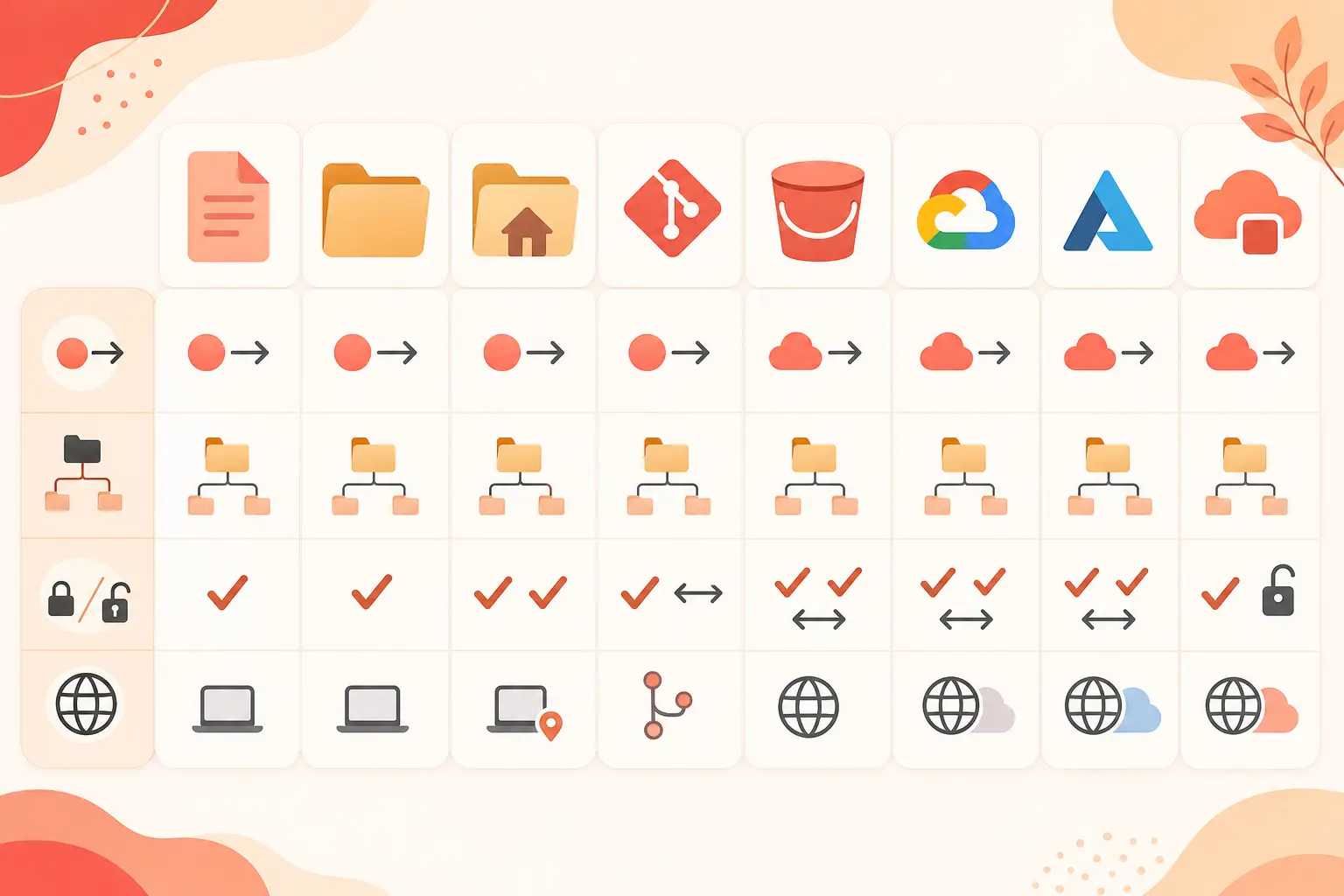
Capabilities: shell, filesystem, skills, memory, compaction
एक SandboxAgent सिर्फ temp folder वाला normal agent नहीं है। उसमें sandbox-specific capabilities होती हैं।
JS concepts docs built-in capabilities की सूची देते हैं, जिनमें shell(), filesystem(), skills(), memory(), और compaction() शामिल हैं (OpenAI Agents SDK JS docs). यहां defaults मायने रखते हैं: docs बताते हैं कि Capabilities.default() में filesystem, shell, और compaction शामिल हैं। इसका मतलब common coding-agent loop अब bespoke tool definitions का ढेर नहीं रहा।
filesystem capability patch-style file edits expose करती है। shell capability sandbox session के भीतर command execution expose करती है। Skills आपको specialized instructions या procedures को धीरे-धीरे disclose करने देते हैं। Memory और compaction लंबे runs को उपयोगी state बनाए रखने में मदद करते हैं, बिना हर पिछले token को अगली turn में ठूंसने के।
यह वैसा ही है जैसे मजबूत coding agents सच में काम करते हैं। वे inspect करते हैं। command चलाते हैं। file edit करते हैं। छोटा command चलाते हैं। diff inspect करते हैं। जो बदला उसका summary देते हैं। अगर आपका harness हर step को unrelated API call की तरह treat करता है, तो model अपना world reconstruct करने में बहुत attention खर्च करता है। sandbox session model को खड़े होने की जगह देता है।
AGENTS.md भी इस model में स्वाभाविक रूप से फिट बैठता है। open AGENTS.md site इसे coding agents को guide करने के लिए Markdown format बताती है और कहती है कि इसका उपयोग 60,000 से अधिक open-source projects करते हैं (AGENTS.md). इस file में build commands, test instructions, style rules, और repo-specific warnings होने चाहिए। sandbox world में, AGENTS.md हर task में paste किया गया giant prompt नहीं, बल्कि workspace-local operating context बन जाता है।
Python-first, TypeScript catching up
लॉन्च पर यह Python-first था। TechCrunch ने 15 अप्रैल को रिपोर्ट किया कि नया harness और sandbox capabilities पहले Python में launch हो रहे थे, TypeScript support बाद के लिए planned था (TechCrunch). PyPI भी तारीख की पुष्टि करता है: openai-agents versions 0.14.0 और 0.14.1 15 अप्रैल, 2026 को upload किए गए थे (PyPI).
16 जून, 2026 तक, practical picture ज्यादा balanced है। official JS docs अब beta Sandbox Agents शामिल करते हैं, Node.js 22 या उससे ऊपर की जरूरत बताते हैं, और Manifest, SandboxAgent, UnixLocalSandboxClient, Docker support, और @openai/agents-extensions के जरिए hosted provider clients दिखाते हैं (OpenAI Agents SDK JS quickstart). JS docs यह भी note करते हैं कि package resolution और runtime APIs compatible हों तो Deno और Bun काम कर सकते हैं।
| Area | Python | TypeScript / JavaScript |
|---|---|---|
| 15 अप्रैल को launch status | पहले supported path | बाद के लिए planned |
| मौजूदा sandbox docs | Beta, Python 3.10+ | Beta, Node.js 22+ |
| Local sandbox | UnixLocalSandboxClient |
UnixLocalSandboxClient |
| Docker sandbox | openai-agents[docker] |
DockerSandboxClient |
| Hosted providers | SDK integrations के जरिए supported | @openai/agents-extensions provider paths |
इसका मतलब यह नहीं कि दोनों ecosystems identical हैं। Python original launch surface था, और कई examples अब भी पहले वहीं आते हैं। TypeScript के पास अब real sandbox agents prototype करने के लिए पर्याप्त official surface area है, लेकिन hosted-provider details, PTY behavior, mounts, और lifecycle support के लिए अब भी हर backend के अनुसार ध्यान से पढ़ना जरूरी है।
अब मैं file-working agent को कैसे structure करूंगा
गलती यह है कि sandbox को magic safety box मान लिया जाए। यह runtime boundary है, product spec नहीं। आपको फिर भी workspace design करना होगा।
एक clean structure ऐसा दिखता है:
repo/: working tree या mounted repositorytask.md: task spec जिसे model को पहले पढ़ना होगाinputs/: read-only documents, datasets, screenshots, या logsoutput/: अंतिम generated artifacts सिर्फ यहीं जाने चाहिएAGENTS.md: build, test, style, और safety instructions- sandbox user: जहां backend support करे, वहां non-root identity
- Manifest env: default रूप से persisted non-secret config, secrets को ephemeral mark किया गया
Manifest को inputs describe करने चाहिए। agent instructions को workflow describe करना चाहिए। user prompt को one-off task describe करना चाहिए। इन्हें अलग रखें। JS docs साफ चेतावनी देते हैं कि लंबे reference material को instructions में न ठूंसें, जब वह Manifest में होना चाहिए (OpenAI Agents SDK JS docs).
production के लिए, backend demo path के आधार पर नहीं, blast radius के आधार पर चुनें। development के लिए Unix-local ठीक है। जब repeatability चाहिए तो Docker बेहतर default है। Hosted providers तब meaningful होते हैं जब आपको हर run के लिए clean isolation, remote execution, scaling, या provider-specific snapshot behavior चाहिए। JS clients docs बताते हैं कि hosted provider support अलग-अलग होता है और developers को environment variables, ports, PTY, snapshots, और cleanup behavior के लिए provider docs check करने चाहिए (OpenAI Agents SDK JS clients).
Ecosystem read
यह अपडेट महत्वपूर्ण है क्योंकि यह file-working agents के shape को standardize करता है। industry पहले ही कुछ primitives पर converge कर चुकी थी: external tools के लिए MCP, repo instructions के लिए AGENTS.md, वास्तविक inspection के लिए shell, reviewable edits के लिए patching, और containment के लिए sandboxes। OpenAI का Agents SDK अब इन हिस्सों को ऐसे runtime में package करता है जिसे developers सच में compose कर सकते हैं।
sharp edge अब भी permissions है। broad network, writable mounts, long-lived credentials, और vague instructions वाला sandboxed agent अब भी नुकसान कर सकता है। Manifest मदद करता है क्योंकि यह workspace inputs और grants को visible बनाता है। यह approval policies, secret hygiene, dependency pinning, और artifact review की जरूरत खत्म नहीं करता।
आज सबसे अच्छा use case “agent सब कुछ कर देता है” नहीं है। यह ज्यादा सीमित और ज्यादा मूल्यवान है: model को bounded workspace, clear task file, repo-local instructions, shell और patch tools, और एक explicit verification path दें। उसे disposable environment में junior engineer की तरह काम करने दें। फिर diff inspect करें।
यह chat loop के इर्द-गिर्द एक और half-sandbox हाथ से बनाने की तुलना में कहीं ज्यादा स्वस्थ abstraction है।
जो readers इन models को hands-on आजमाना चाहते हैं, वे एक base_url बदलकर OpenAI-compatible API के साथ onehop के जरिए इन्हें call कर सकते हैं। यह first-party से सस्ता है, और नए accounts को बिना card के $10 free credit मिलता है: onehop पर Claude और अन्य models call करें, या $10 free credit के लिए sign up करें.
संबंधित लेख
Google Antigravity CLI बनाम Gemini CLI: 18 जून, 2026 से पहले डेवलपर्स को क्या माइग्रेट करना होगा
Gemini CLI का कंज्यूमर एक्सेस 18 जून, 2026 को बंद होगा। जानें क्या बदलेगा, किस पर असर पड़ेगा और टर्मिनल वर्कफ़्लो कैसे माइग्रेट करें।
15 जून 2026 · 25 मिनट पढ़ें
DashScope Compatible Mode के ज़रिए OpenAI SDK से Qwen3.7 Plus कॉल करें
base_url बदलाव, thinking controls, long-context pricing और चलने योग्य code के साथ OpenAI SDK ऐप्स को Qwen3.7 Plus पर पोर्ट करें।
23 जुलाई 2026 · 25 मिनट पढ़ें

SWE-Bench Pro पर GPT-5.6 Sol बनाम Claude Fable 5 बनाम Gemini 3.1 Pro
Claude Fable 5, GPT-5.6 Sol और Gemini 3.1 Pro के रिपोर्टेड SWE-Bench Pro स्कोर की डेवलपर-केंद्रित तुलना।
23 जुलाई 2026 · 21 मिनट पढ़ें