DashScope Compatible Mode के ज़रिए OpenAI SDK से Qwen3.7 Plus कॉल करें
23 जुलाई 2026 · 25 मिनट पढ़ें · Claude / GPT / Gemini
Qwen3.7 Plus इतना सस्ता है कि इसे गंभीरता से टेस्ट किया जा सकता है: 23 जुलाई, 2026 तक, Qwen Cloud qwen3.7-plus को 256K input tokens तक प्रति 1M input tokens $0.40 और प्रति 1M output tokens $1.60 पर सूचीबद्ध करता है, फिर 256K से 1M तक input $1.20 और output $4.80 है (Qwen Cloud pricing). यही मुख्य वजह है कि कुछ भी rewrite करने से पहले यह port करना फायदेमंद है।
काम की चीज़ API shape है। Qwen Cloud एक OpenAI-compatible Chat Completions endpoint document करता है:
https://dashscope-intl.aliyuncs.com/compatible-mode/v1
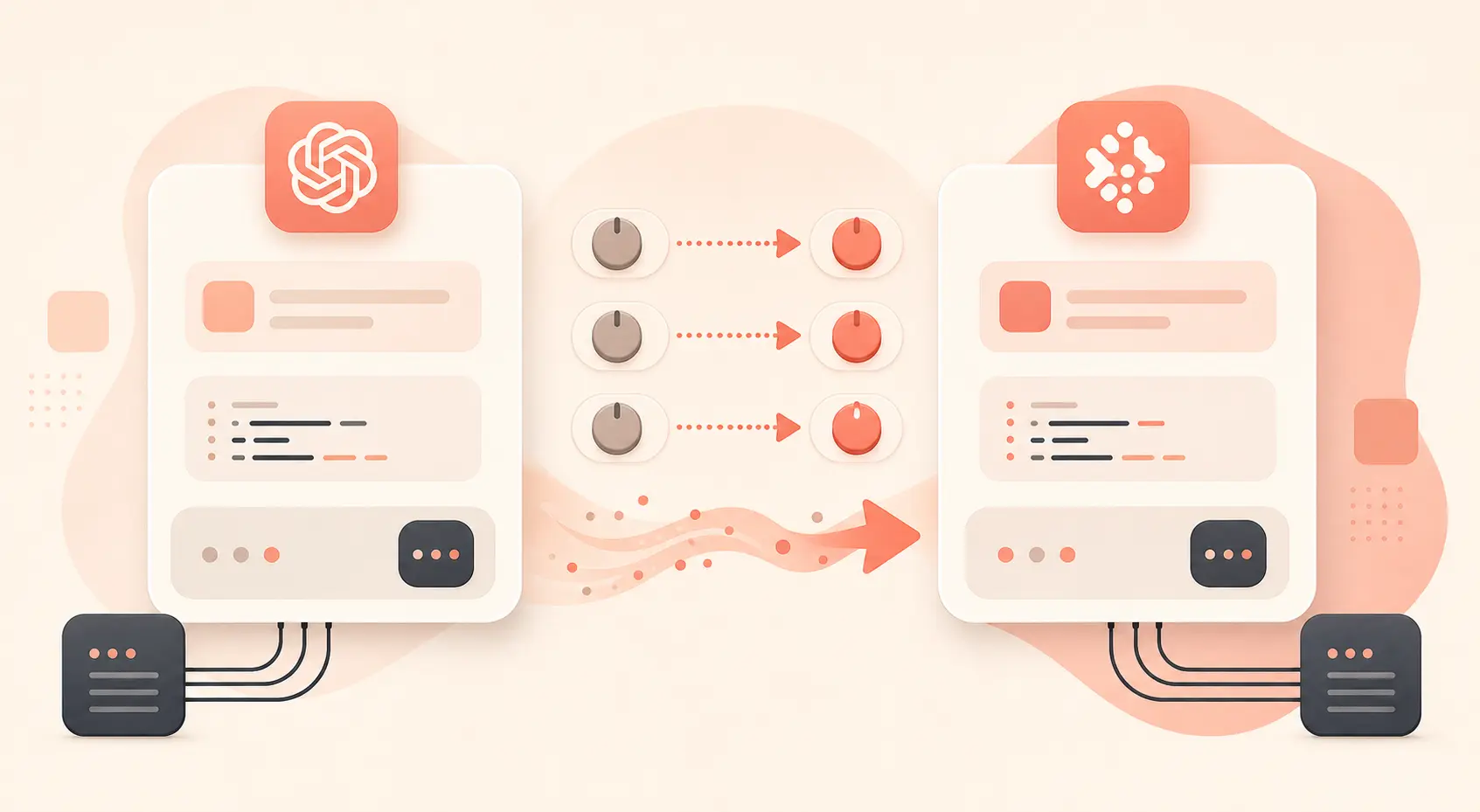
इसकी अपनी migration page कहती है कि मौजूदा OpenAI SDK code base_url, api_key, और model बदलकर switch कर सकता है, और इसके examples model="qwen3.7-plus" इस्तेमाल करते हैं (Qwen Cloud OpenAI compatibility). इसका मतलब है कि ज़्यादातर chat apps, eval scripts, छोटे agents, और internal tools मिनटों में port किए जा सकते हैं। जिन हिस्सों में ध्यान चाहिए वे हैं thinking parameters, ignored OpenAI fields, long-context pricing, और cache behavior।
1. Client सेट अप करें
Official OpenAI Python SDK install करें:
python -m pip install --upgrade openai
अपनी DashScope key सेट करें:
export DASHSCOPE_API_KEY="sk-your-dashscope-key"
फिर सबसे छोटा संभव Chat Completions call करें:
# qwen_chat.py
import os
from openai import OpenAI

client = OpenAI(
    api_key=os.environ["DASHSCOPE_API_KEY"],
    base_url="https://dashscope-intl.aliyuncs.com/compatible-mode/v1",
)

completion = client.chat.completions.create(
    model="qwen3.7-plus",
    messages=[
        {"role": "system", "content": "You are a concise senior Python engineer."},
        {"role": "user", "content": "Write a Python function that chunks a list into size-n batches."},
    ],
    temperature=0.2,
)

print(completion.choices[0].message.content)
print(completion.usage)
इसे run करें:
python qwen_chat.py
यही pattern Node में भी काम करता है। Qwen Cloud की quick migration page JavaScript SDK के लिए भी baseURL: "https://dashscope-intl.aliyuncs.com/compatible-mode/v1" को model: "qwen3.7-plus" के साथ दिखाती है (Qwen Cloud OpenAI compatibility).
अगर आप ऐसा code maintain करते हैं जो providers के बीच switch करता है, तो provider settings को call site से बाहर रखें:
PROVIDERS = {
    "qwen": {
        "api_key_env": "DASHSCOPE_API_KEY",
        "base_url": "https://dashscope-intl.aliyuncs.com/compatible-mode/v1",
        "model": "qwen3.7-plus",
    }
}

def make_client(provider_name: str) -> tuple[OpenAI, str]:
    cfg = PROVIDERS[provider_name]
    return (
        OpenAI(
            api_key=os.environ[cfg["api_key_env"]],
            base_url=cfg["base_url"],
        ),
        cfg["model"],
    )
OpenAI SDK खुद base_url, custom timeouts, retries, और raw response access support करता है; इसका README connection errors, 408, 409, 429, और 500-level errors के लिए automatic retries, साथ ही max_retries और timeout options document करता है (openai-python).
2. सिर्फ URL नहीं, Parameters भी Port करें
Happy path आसान है। Rough edges parameter differences हैं।
Qwen Cloud कहता है कि Chat Completions API काफी हद तक OpenAI के Chat API के compatible है, लेकिन Qwen-specific parameters को Python SDK में extra_body के ज़रिए pass करना होगा (Qwen Cloud OpenAI compatibility). Thinking, search, और कुछ sampling controls के लिए यह महत्वपूर्ण है।
Thinking enabled के साथ example:
import os
from openai import OpenAI

client = OpenAI(
    api_key=os.environ["DASHSCOPE_API_KEY"],
    base_url="https://dashscope-intl.aliyuncs.com/compatible-mode/v1",
)

stream = client.chat.completions.create(
    model="qwen3.7-plus",
    messages=[
        {"role": "user", "content": "Find the bug in this retry loop and explain the fix."}
    ],
    extra_body={
        "enable_thinking": True,
        "thinking_budget": 500,
    },
    stream=True,
)

for chunk in stream:
    if not chunk.choices:
        continue

    delta = chunk.choices[0].delta

    if getattr(delta, "reasoning_content", None):
        print(delta.reasoning_content, end="", flush=True)

    if getattr(delta, "content", None):
        print(delta.content, end="", flush=True)
Qwen की thinking guide कहती है कि enable_thinking hybrid models के लिए reasoning चालू करता है, thinking_budget thinking tokens को cap करता है, और thinking tokens को output tokens के रूप में bill किया जाता है (Qwen Cloud thinking). आख़िरी point ही developers अक्सर miss करते हैं। कोई model अगर 300-token answer लिखने से पहले 2,000 tokens तक सोचता है, तो वह 300-token output call नहीं है।
Production code port करने से पहले unsupported OpenAI fields भी check करें। Qwen Cloud कहता है कि reasoning_effort, max_completion_tokens, metadata, store, verbosity, prompt_cache_key, और कई दूसरे fields Chat Completions compatible mode में silently ignored होते हैं (Qwen Cloud OpenAI compatibility). अगर आपका OpenAI app cost control या product behavior के लिए इनमें से किसी field पर depend करता है, तो उसे स्पष्ट रूप से replace करें।
3. Long Context भेजने से पहले उसकी कीमत निकालें
qwen3.7-plus का price break simple है, लेकिन इसका असर बड़ा है।
| एक request में input tokens | Input price / 1M | Output price / 1M |
|---|---|---|
| ≤ 256K | $0.40 | $1.60 |
| 256K to 1M | $1.20 | $4.80 |
Source: Qwen Cloud pricing.
May 26 snapshot के लिए model marketplace page qwen3.7-plus-2026-05-26 को text, image, और video input model के रूप में list करता है, जिसमें text output है, और इसे May 26, 2026 snapshot के रूप में identify करता है (Qwen Cloud model page). Qwen Cloud changelog अलग से qwen3.7-plus और qwen3.7-plus-2026-05-26 को June 1, 2026 के तहत list करता है, और Plus series को upgraded vision-language abilities जोड़ने के साथ coding, tool use, और productivity workflows बनाए रखने वाला बताता है (Qwen Cloud model releases).
Product code के लिए preflight estimator जोड़ें। Accidental 900K-token calls को expensive tier में जाने से रोकने के लिए perfect tokenization की ज़रूरत नहीं है।
def estimate_qwen37_plus_cost(input_tokens: int, output_tokens: int) -> float:
    if input_tokens <= 256_000:
        input_per_m = 0.40
        output_per_m = 1.60
    else:
        input_per_m = 1.20
        output_per_m = 4.80

    return (input_tokens / 1_000_000 * input_per_m) + (
        output_tokens / 1_000_000 * output_per_m
    )

print(estimate_qwen37_plus_cost(180_000, 4_000))  # 0.0784
print(estimate_qwen37_plus_cost(400_000, 4_000))  # 0.4992
दूसरी call सिर्फ “थोड़ा और context” नहीं है। यह tier boundary cross करती है।

4. Prefixes repeat हों तो Cache इस्तेमाल करें
Context caching वह जगह है जहाँ repeated long prompts के लिए Qwen सचमुच काफ़ी सस्ता हो सकता है। Qwen Cloud तीन cache modes document करता है: explicit, implicit, और session cache (Qwen Cloud context cache).
Billing rules concrete हैं:
| Cache mode | Create cost | Hit cost | Minimum cached tokens |
|---|---|---|---|
| Explicit cache | 125% of standard input | 10% of standard input | 1,024 |
| Implicit cache | 100% of standard input | 20% of standard input | 256 |
| Session cache | 125% of standard input | 10% of standard input | 1,024 |
qwen3.7-plus के ≤256K tier पर, model page के अनुसार यह $0.08 per 1M implicit-cache hit tokens, $0.50 per 1M explicit-cache creation tokens, और $0.04 per 1M explicit-cache read tokens के बराबर है (Qwen Cloud model page).
Stable prefixes के लिए cache इस्तेमाल करें: policy documents, long system prompts, tool manuals, schemas, या repo summaries। ऐसी prompts में इससे rescue की उम्मीद न करें जहाँ हर request अलग तरह से शुरू होती है। Qwen Cloud यह भी बताता है कि Batch और cache discounts को same request पर combine नहीं किया जा सकता (Qwen Cloud pricing).
5. Production Checklist और Gateway Option
Traffic swap करने से पहले ये cases test करें:
- Basic non-streaming chat.
- Streaming chat.
extra_bodyके साथ thinking mode.- अगर आपका app functions इस्तेमाल करता है तो tool calling.
- JSON output, यह याद रखते हुए कि Qwen compatible mode
json_objectsupport करता है, OpenAIjson_schemaनहीं। - 256K input tokens के पास long prompts.
- Cache-heavy repeated-prefix calls.
- Retries और timeout behavior.
Model families के across fallback routing के लिए, onehop आसान रास्ता है। एक OpenAI SDK base URL को https://api.onehop.ai/v1 में बदलें और GPT, Claude, Gemini, और दूसरे models के लिए एक gateway इस्तेमाल करें। OneHop OpenAI-compatible https://api.onehop.ai/v1, Anthropic-compatible https://api.onehop.ai/anthropic, और Vertex/Gemini-compatible https://api.onehop.ai/vertex-ai endpoints document करता है (onehop docs). इसे first-party से सस्ता भी position किया गया है, और नए accounts को card के बिना $10 free मिलते हैं।
import os
from openai import OpenAI

client = OpenAI(
    api_key=os.environ["ONEHOP_API_KEY"],
    base_url="https://api.onehop.ai/v1",
)

response = client.chat.completions.create(
    model="openai/gpt-5.5",
    messages=[{"role": "user", "content": "Summarize this incident report in 5 bullets."}],
)

print(response.choices[0].message.content)
यह ऊपर के Qwen-specific work को replace नहीं करता। यह आपको तब cleaner route देता है जब आपके app को एक workflow के लिए Claude, दूसरे के लिए GPT, और multimodal tests के लिए Gemini चाहिए, वह भी तीन billing systems और तीन SDK configurations wire किए बिना। यहाँ से शुरू करें: onehop पर Claude और दूसरे models call करें, या $10 free credit के लिए sign up करें।
6. Practical Port
Port तीन lines का है—जब तक कि नहीं है: base_url, api_key, model। उसके बाद असली काम है ignored OpenAI parameters हटाना, Qwen controls को extra_body में move करना, और long context के चारों ओर hard guards लगाना।
जब आपको long context और multimodal input support के साथ balanced cost model चाहिए, तब qwen3.7-plus इस्तेमाल करें। Simple extraction और classification के लिए thinking off रखें। Code review, tool orchestration, या multi-step reasoning के लिए इसे on करें, और thinking_budget रखें ताकि costs drift न करें। Stable prefixes cache करें। 256K tier boundary पर नज़र रखें।
जिन teams को उसी product में Claude, GPT, या Gemini भी चाहिए, वे gateway path तैयार रखें: onehop पर Claude और दूसरे models call करें, फिर जब बिना card add किए real smoke tests चलाने हों तो $10 free credit के लिए sign up करें।
संबंधित लेख
OpenAI SDK के साथ Groq GPT-OSS 120B इस्तेमाल करें: Base URL, Pricing और Caching
OpenAI SDK का base URL बदलकर Groq पर GPT-OSS 120B चलाएँ, cached token लागत आँकें और tool billing surprises से बचें।
17 जून 2026 · 25 मिनट पढ़ें
OpenAI SDK से Gemini API कॉल करें: केवल base_url, API Key और मॉडल नाम बदलने वाला माइग्रेशन ट्यूटोरियल
मौजूदा OpenAI SDK प्रोजेक्ट्स के लिए Gemini संगत इंटरफ़ेस माइग्रेशन चेकलिस्ट, कोड, पैरामीटर मैपिंग और कीमतों सहित।
14 जून 2026 · 9 मिनट पढ़ें
OpenAI SDK से Gemini API कॉल करें: केवल base_url, key और मॉडल नाम बदलकर इंटीग्रेशन ट्यूटोरियल
मौजूदा OpenAI SDK कोड को Gemini से जोड़ने के लिए न्यूनतम बदलाव में सिर्फ तीन कॉन्फ़िगरेशन चाहिए।
14 जून 2026 · 9 मिनट पढ़ें